
Web Development Decoded: Human Body Analogies That Actually Make Sense
Confused by technical web jargon? Transform your understanding with relatable human body analogies! Learn how HTML is like your skeleton, CSS is like makeup, JavaScript is like muscles, and more in this beginner-friendly guide.
·4 min read
By Davina Leong
Breaking Down the Tech Wall: Understanding Web Development Through the Human Body 🧬💻
Hey there, amazing non-technical friends! As someone who lives and breathes web development, I've noticed something: the biggest barrier to understanding technology isn't complexity—it's jargon!
So I'm trying something different today. Instead of throwing more technical terms at you, I'm going to use something you already understand perfectly: your own body! Let's decode the mysterious world of web development using analogies that actually make sense! ✨
The Foundation: Hardware and Software 🏗️
Before we dive into websites, let's establish the basic building blocks:
Hardware = Your Body 🦴
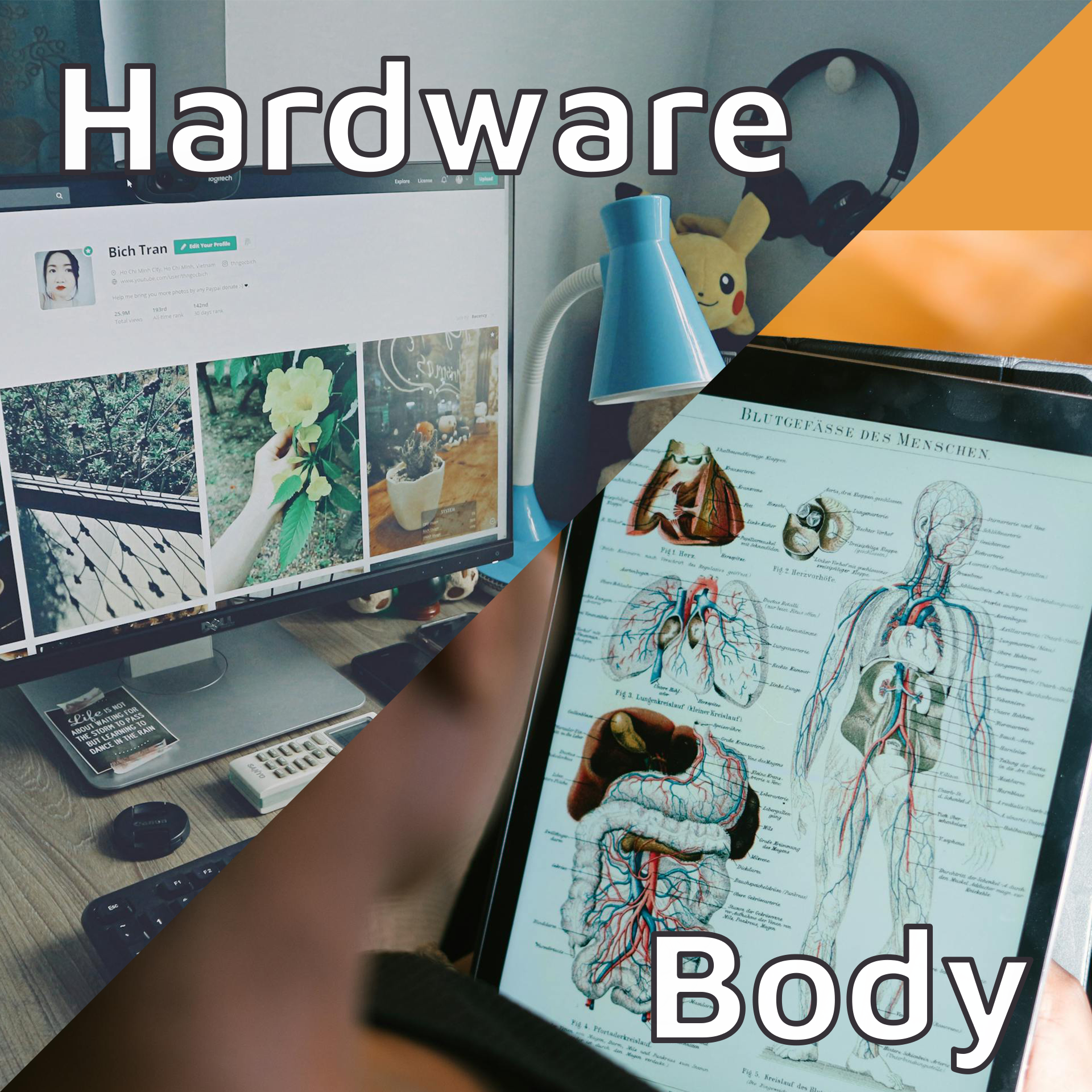
Just like your body is the physical foundation that everything else depends on, hardware is the tangible, touchable part of any computer system:
- Your computer, phone, tablet—the physical devices you can hold
- Processors, memory, storage—the internal organs that make everything work
- Without hardware, nothing else can exist or function
Software = Your Soul 👻
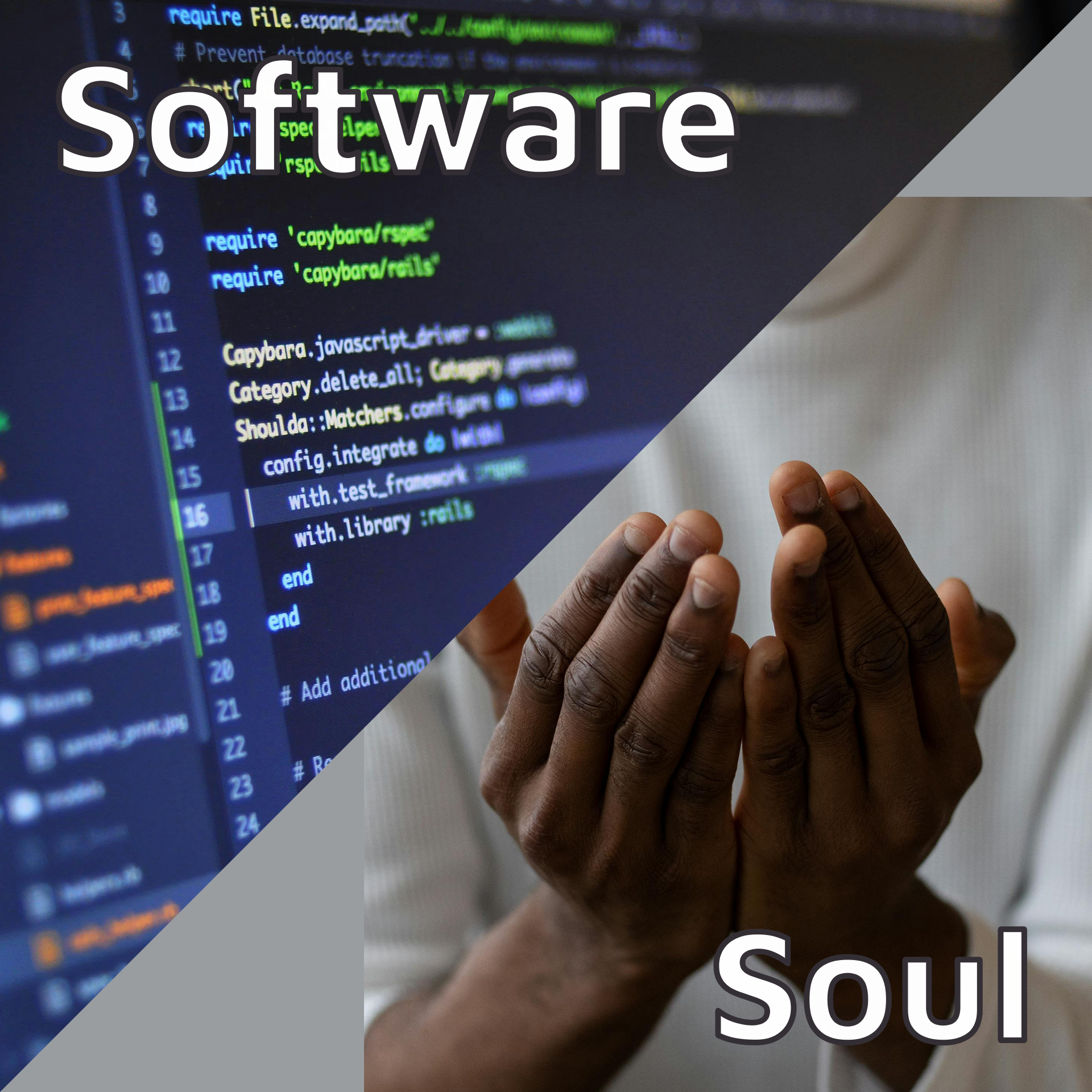
And just like your soul gives life and personality to your body, software is the invisible force that makes hardware useful:
- Programs, apps, operating systems—the digital life that animates the hardware
- Instructions and logic—telling the hardware what to do and how to behave
- Without software, hardware is just an expensive paperweight!
The Web Basics: Your Digital Portal 🌐
Website: Any link you open on a web browser
Think of it as any digital place you can visit—like different buildings in a vast digital city!
Web Browser: Your digital vehicle 🚗
This is your Chrome, Edge, Firefox, Safari—basically your personal vehicle for traveling around the internet. Just like you need a car to visit physical places, you need a browser to visit digital places!
The Website Anatomy: Building a Digital Person 👤
Now here's where it gets really interesting! Every website is like a complete person, with different systems working together:
HTML = The Skeleton 🦴
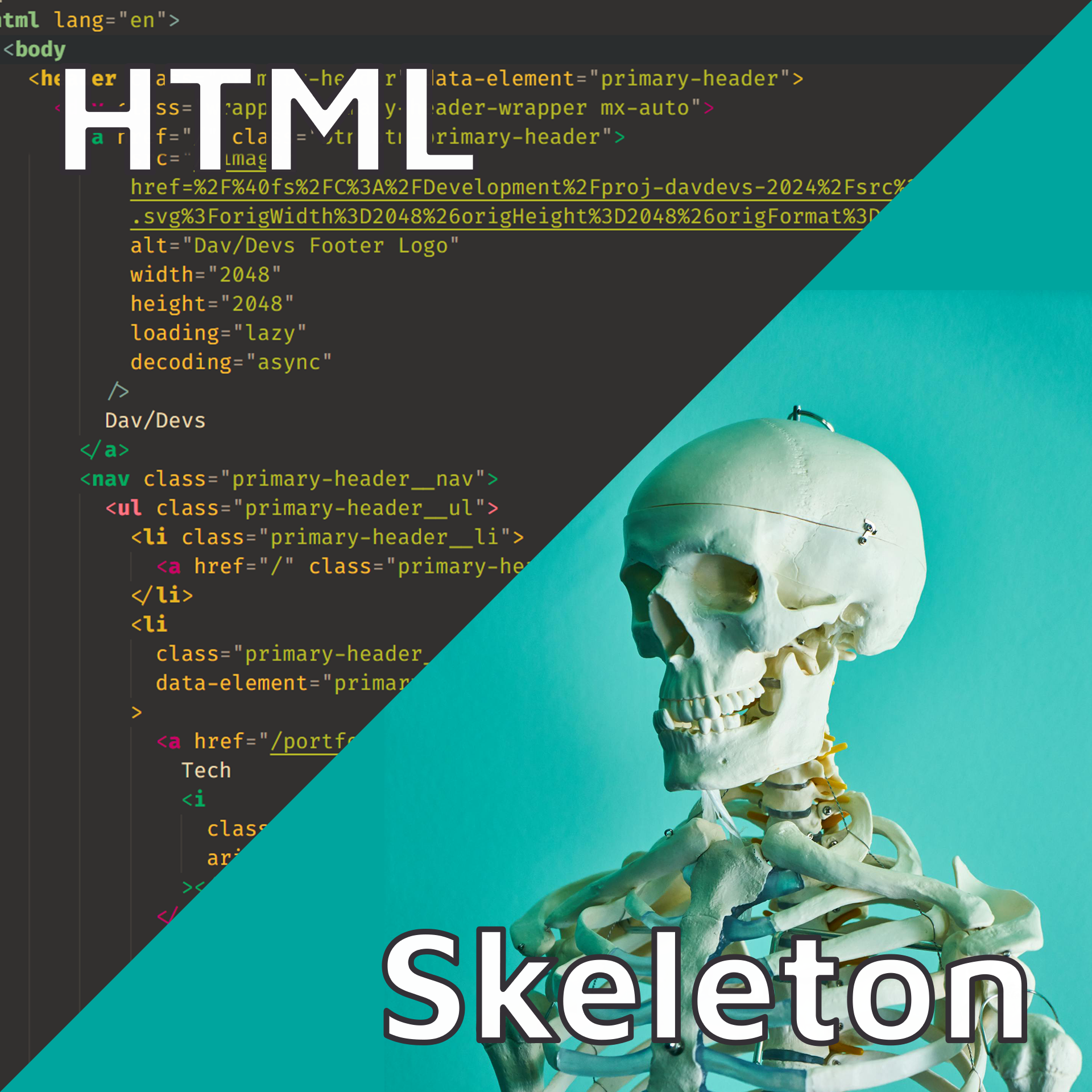
HTML (HyperText Markup Language) provides the structure and framework for every web page:
- Like your bones, HTML gives shape and support to everything else
- Creates the basic structure: headings, paragraphs, lists, images
- Without HTML, a website would just be a shapeless mess of content
- You can't see it directly, but it holds everything together
Real example: When you see a heading on a website, HTML is what tells the browser "this text should be big and bold because it's important!"
CSS = The Makeup and Styling 💄
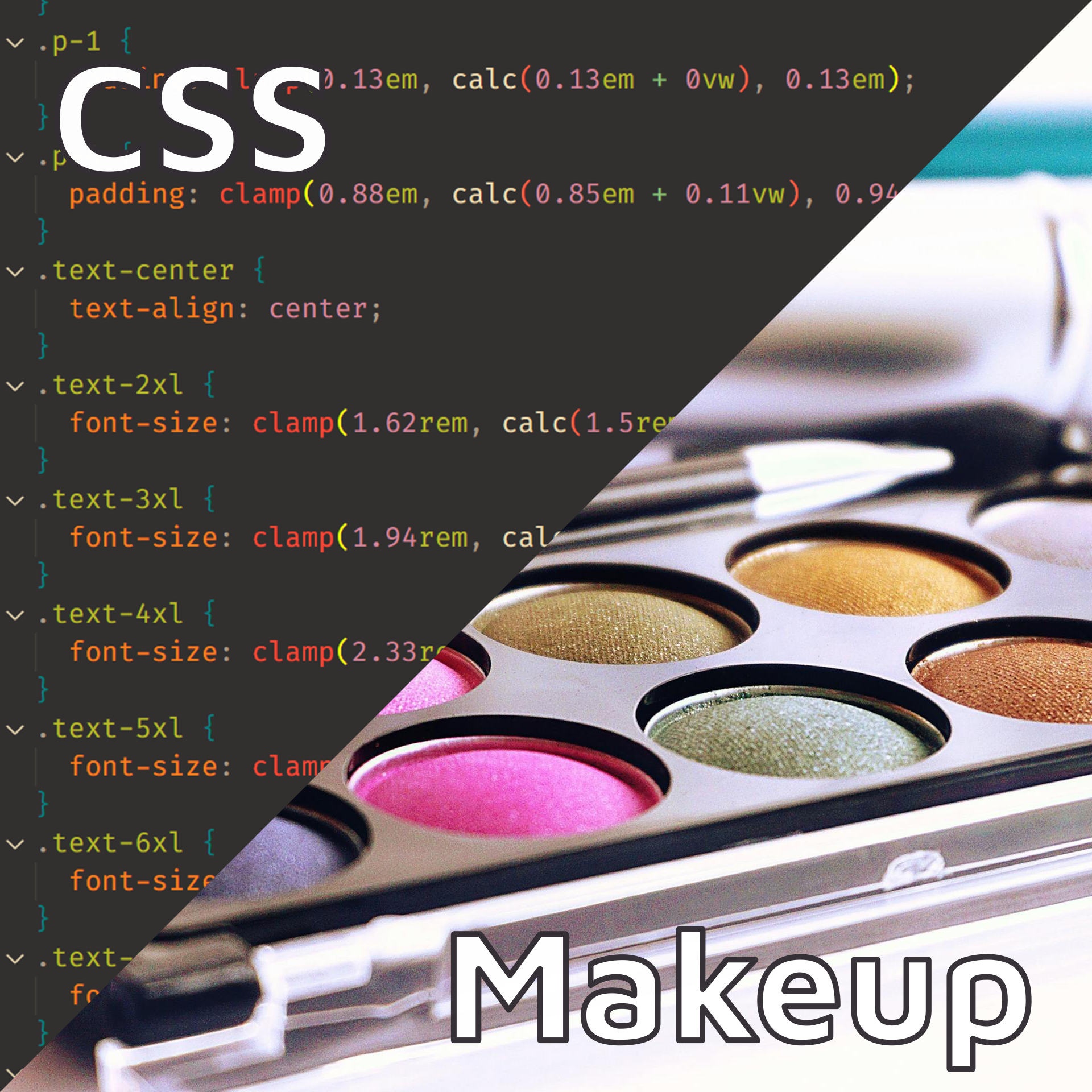
CSS (Cascading Style Sheets) makes websites beautiful and visually appealing:
- Like makeup and clothing, CSS transforms the basic HTML structure into something attractive
- Controls colors, fonts, layouts, animations—all the visual magic you see
- Makes things responsive—adapting to different screen sizes like an outfit that fits perfectly
- Without CSS, websites would look like boring Word documents from the 1990s!
Real example: CSS is why Netflix looks sleek and modern instead of just black text on white background!
JavaScript = The Muscles and Movement 💪
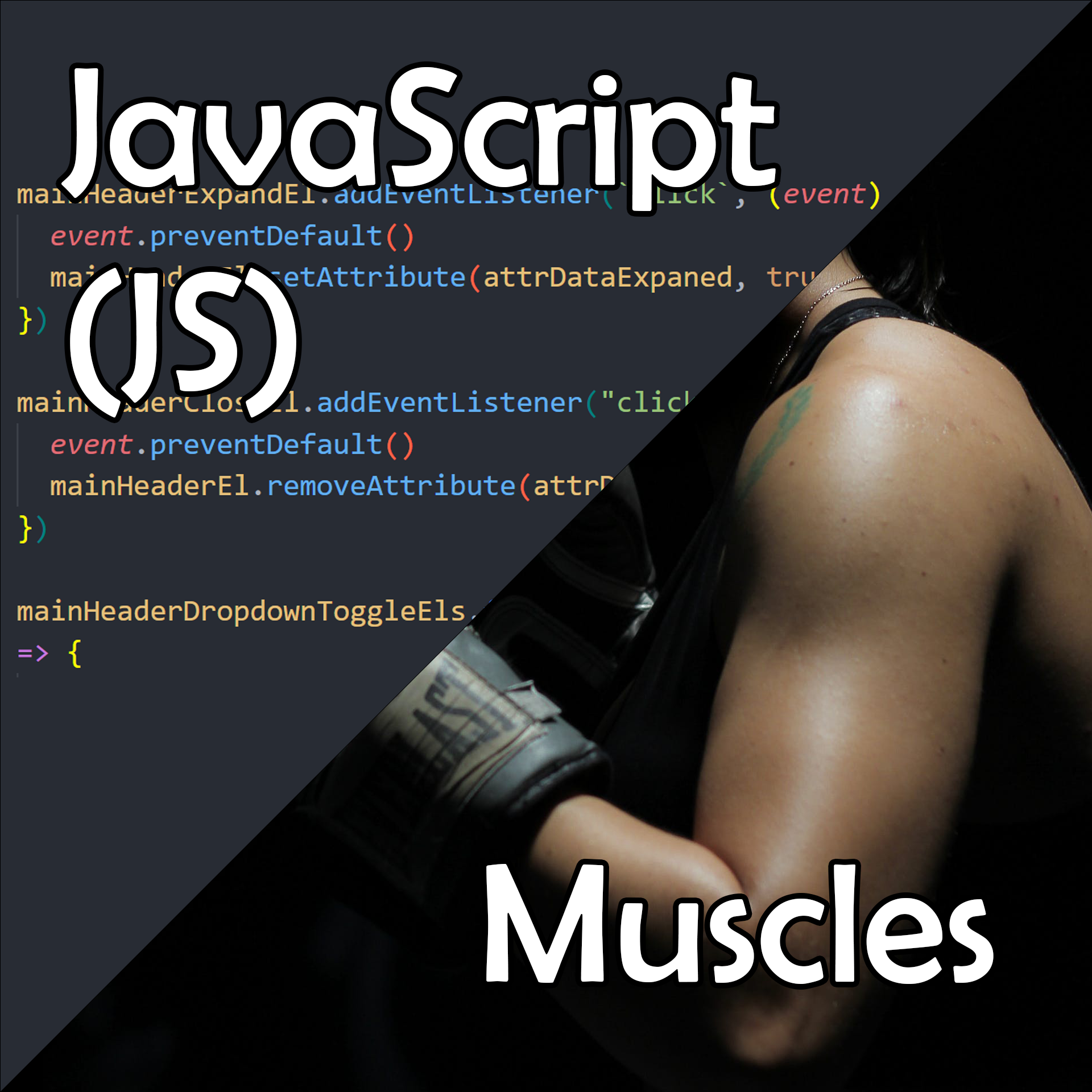
JavaScript brings interactivity and functionality to websites:
- Like muscles, JavaScript makes things move and respond to your actions
- Handles clicks, animations, form submissions—any interaction you have with a website
- Creates dynamic content—things that change based on your behavior
- Without JavaScript, websites would be static and boring—you could look but not touch!
Real example: When you click "Add to Cart" and see the cart number update instantly, that's JavaScript working behind the scenes!
The Invisible Systems: What You Don't See 👻
Server-Side Code = The Soul and Brain 🧠

For complex websites like e-commerce (Shopee, Amazon) or social media (Facebook, TikTok), there's invisible code working behind the scenes:
- Like the soul, you can't see it, but it's essential for the website's life
- Handles business logic—processing payments, managing user accounts, security
- Connects everything together—making sure different parts of the website communicate
- Languages used: PHP, Python, Java, C#, Node.js
Real example: When you log into Facebook, server-side code verifies your password, loads your personalized feed, and decides what posts to show you!
Database = Your Memory 🧠💾
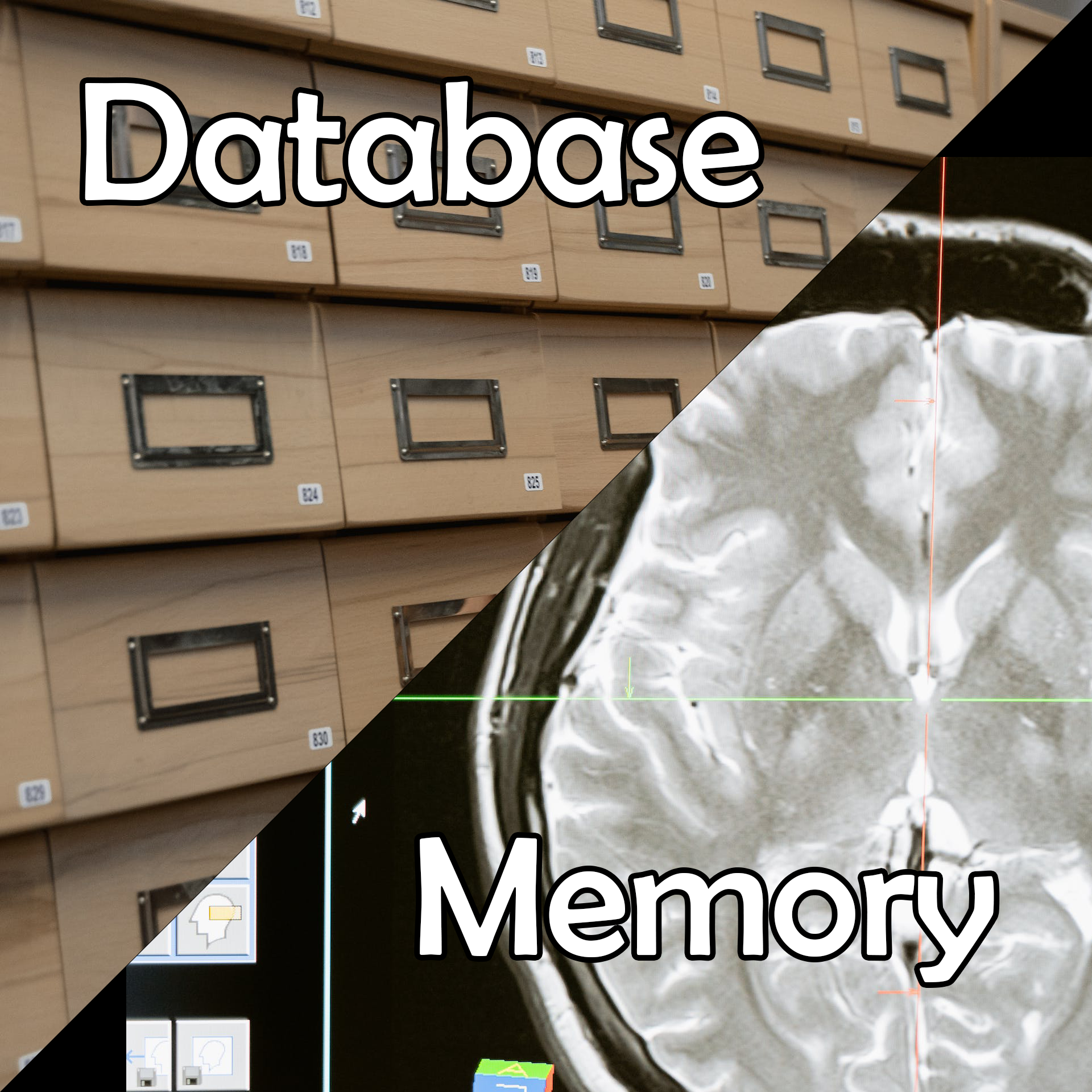
Databases store all the information that websites need to remember:
- Like human memory, databases hold onto important information
- Stores user profiles, posts, products, orders—everything a website needs to remember
- Organized and searchable—like a perfectly organized filing system in your brain
- Essential for dynamic websites—blogs, social media, e-commerce all depend on databases
Real examples:
- DanielFoodDiary: Database remembers all restaurant reviews and photos
- Shopee: Database stores product information, your shopping cart, order history
- Facebook: Database remembers your friends, posts, likes, messages—everything!
Putting It All Together: The Complete Digital Person 🤖
Imagine a website as a complete digital person:
- HTML (skeleton) provides the basic structure and shape
- CSS (makeup/clothing) makes them look attractive and professional
- JavaScript (muscles) allows them to move and respond to you
- Server-side code (soul/brain) gives them intelligence and decision-making ability
- Database (memory) helps them remember everything important
Example: An E-commerce Website Like Shopee
- HTML: Creates product pages, shopping cart structure, checkout forms
- CSS: Makes everything look modern, colorful, and mobile-friendly
- JavaScript: Handles adding items to cart, image galleries, search suggestions
- Server-side code: Processes payments, manages inventory, handles user accounts
- Database: Stores product info, user profiles, order history, reviews
Why This Matters for You 🌟
Better Digital Literacy
Understanding these concepts helps you:
- Communicate better with web developers and designers
- Make smarter decisions about websites and digital tools
- Troubleshoot problems more effectively
- Appreciate the complexity behind simple-looking websites
Career Opportunities
Even basic understanding opens doors:
- Marketing roles benefit from web knowledge
- Business development requires understanding digital capabilities
- Project management in tech requires basic technical literacy
- Entrepreneurship often involves digital products and services
The Human Touch in Digital World 💝
Here's the beautiful thing: just like humans, every website has personality! The combination of structure (HTML), appearance (CSS), and behavior (JavaScript) creates a unique digital experience—just like how your skeleton, appearance, and personality make you uniquely you!
Website Personalities:
- Google: Clean, minimal, focused (like a thoughtful librarian)
- Netflix: Rich, visual, engaging (like an entertaining storyteller)
- Amazon: Functional, comprehensive, business-like (like an efficient shopkeeper)
- Instagram: Visual, social, trendy (like a creative artist)
Your Feedback Matters! 📝
To my wonderful non-technical friends: How did this analogy approach work for you?
- Did the human body comparisons make sense?
- Which concepts are still confusing?
- What other technical topics would you like explained this way?
Your feedback helps me create better content that truly serves our amazing community!
Next Steps: Continue Your Journey 🚀
If This Sparked Your Interest:
- Explore web development tutorials with your new understanding
- Look at websites differently—try to identify the HTML, CSS, and JavaScript at work
- Consider learning basic web skills—even non-developers benefit from web literacy
- Ask questions—I'm always happy to explain more concepts using relatable analogies!
For the Technically Curious:
- Try basic HTML/CSS tutorials to see these concepts in action
- Inspect websites using browser developer tools
- Build a simple personal website to experience the full process
- Join web development communities to continue learning
The Big Picture: Technology Should Be Accessible 🌈
My goal with this approach is to demystify technology and make it accessible to everyone. The digital world affects all our lives, and understanding how it works shouldn't require a computer science degree!
Technology is created by humans, for humans—and it should be explainable in human terms. The human body analogy works because we all have the same basic understanding of how our bodies function, regardless of our technical background.
Building Bridges: Tech and Non-Tech Unity 🌉
In our increasingly digital world, collaboration between technical and non-technical people is essential. When everyone has a basic understanding of how websites work:
- Projects run smoother with better communication
- Decisions are made faster with shared understanding
- Innovation happens when diverse perspectives combine
- Digital literacy improves across all industries and roles
Thank you for joining me on this journey of breaking down technical barriers! Together, we're building a more digitally literate and connected community!
What other technical concepts would you like me to explain using everyday analogies? What questions do you have about the digital world around us? Let's continue this conversation and make technology accessible for everyone! 🤝✨